
Knowledgebase
How can we help you?
How can we help you?
We will show you here how to create new accounts for your end-users.
So, to create a new account in DirectAdmin:
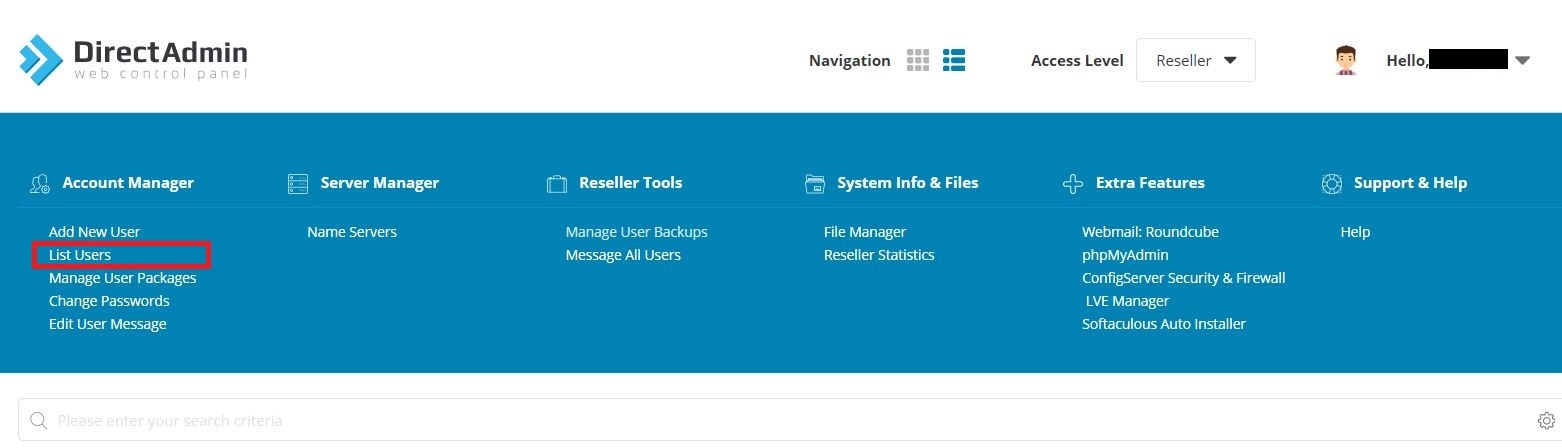
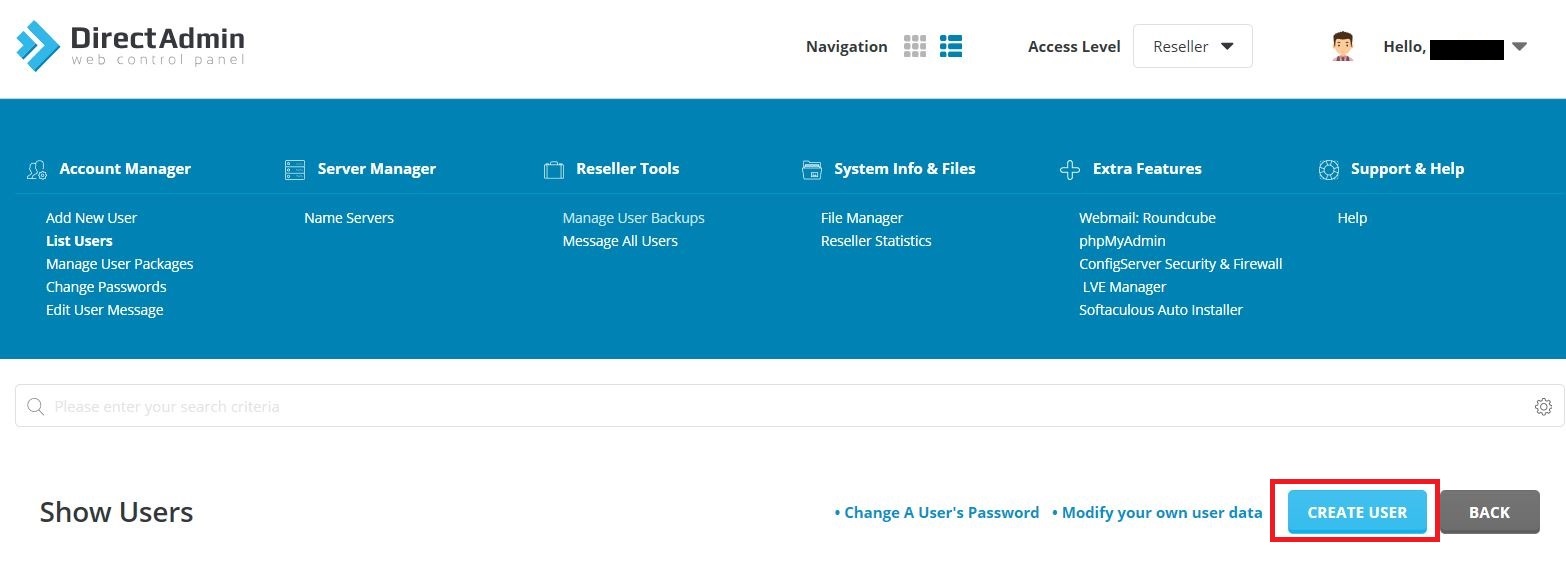
3. Click the Create User link
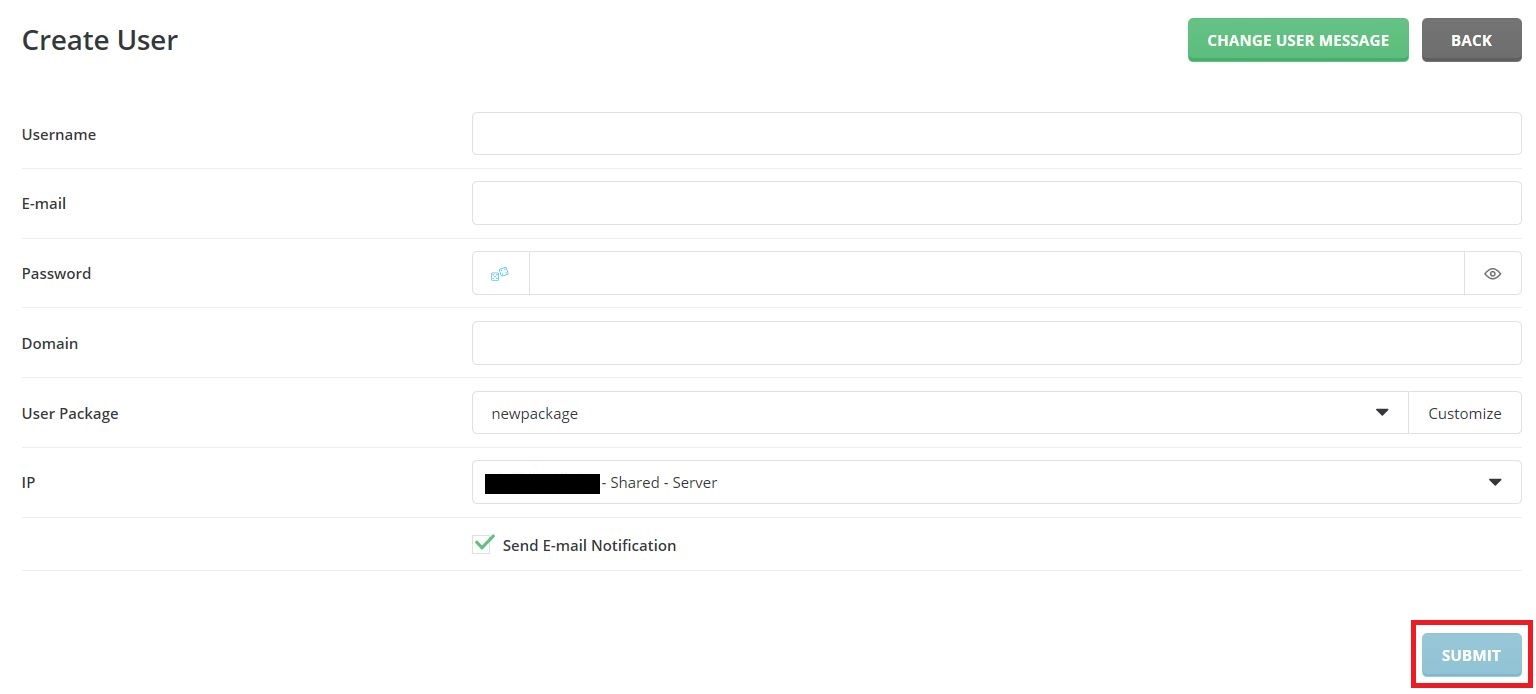
4. Enter the details for the account: the username, email, password, domain that will be hosted on this account, user package to use, IP. Click the Submit button. You will see a confirmation message that account has been created. Also you will see the account in the users list.
If you are a reseller DirectAdmin user, you can easily suspend or delete your clients’ accounts.... Read More
Powered by WHMCompleteSolution