
Knowledgebase
How can we help you?
How can we help you?
If you are a reseller DirectAdmin user, you can easily suspend or delete your clients’ accounts. To suspend or delete an account in DirectAdmin:
1. Connect to your DirectAdmin panel
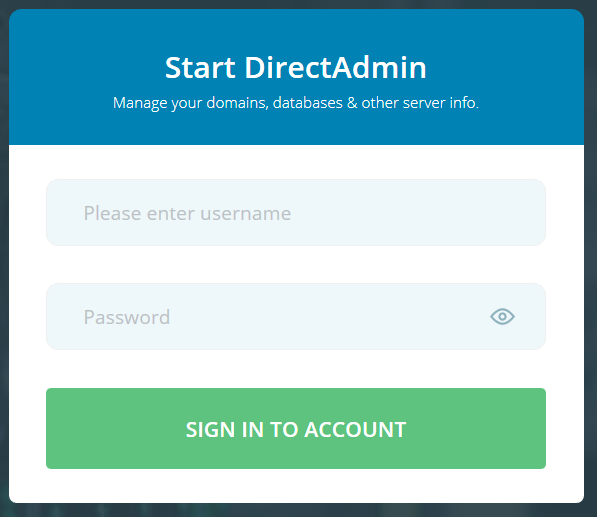
2. Navigate to List Users
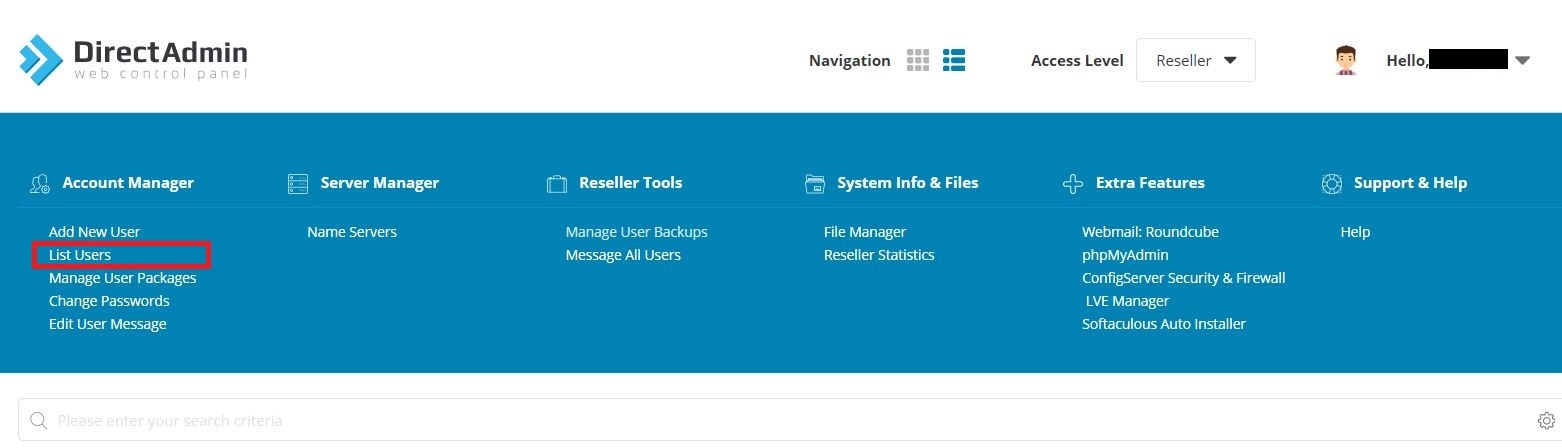
3. Select the account(s) you want to work with.

4. Now you can Suspend, Unsuspend or Delete the account(s). Just click on the desired button.

We will show you here how to create new accounts for your end-users. So, to create a new account... Read More
Powered by WHMCompleteSolution