
Knowledgebase
How can we help you?
How can we help you?
From time to time it’s a good idea to change your DirectAdmin password. DirectAdmin also offers the possibility to add Security Questions and to enable Two-Step Authentication with the help of Google Authenticator App.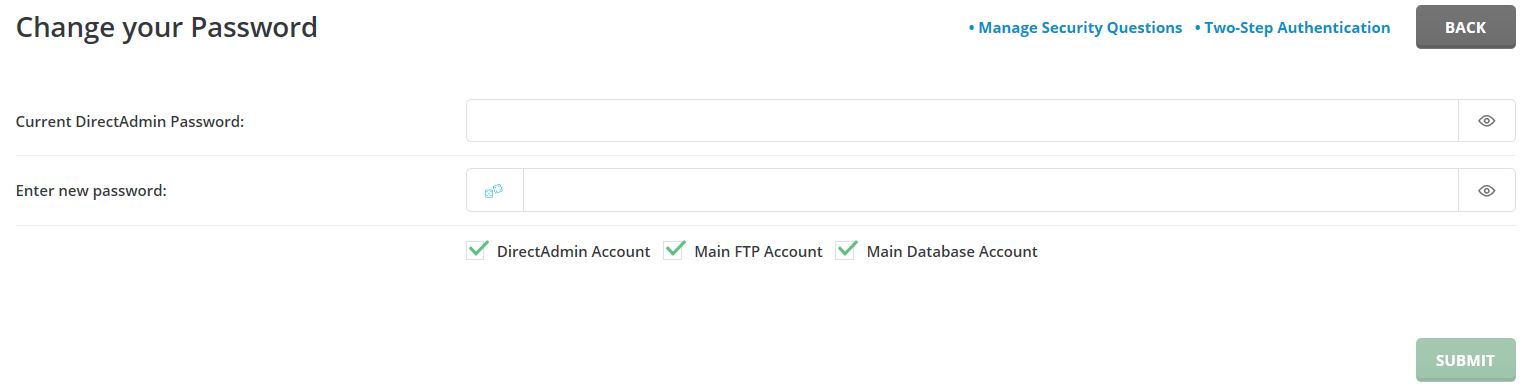
How to change your DirectAdmin’s account password:
Depending on your web hosting plan, you may have the option to host multiple domains names. If... Read More
You have set up a web site and now you need to create an email account? DirectAdmin interface... Read More
Powered by WHMCompleteSolution