
Knowledgebase
How can we help you?
How can we help you?
You have set up a web site and now you need to create an email account? DirectAdmin interface will help you.
To create an email account, follow the steps:
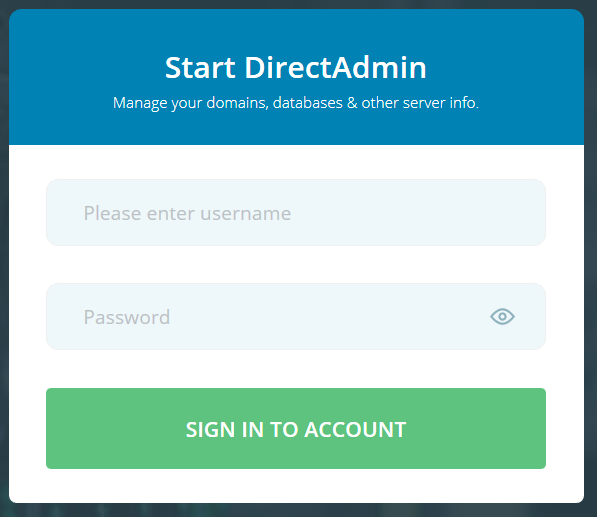
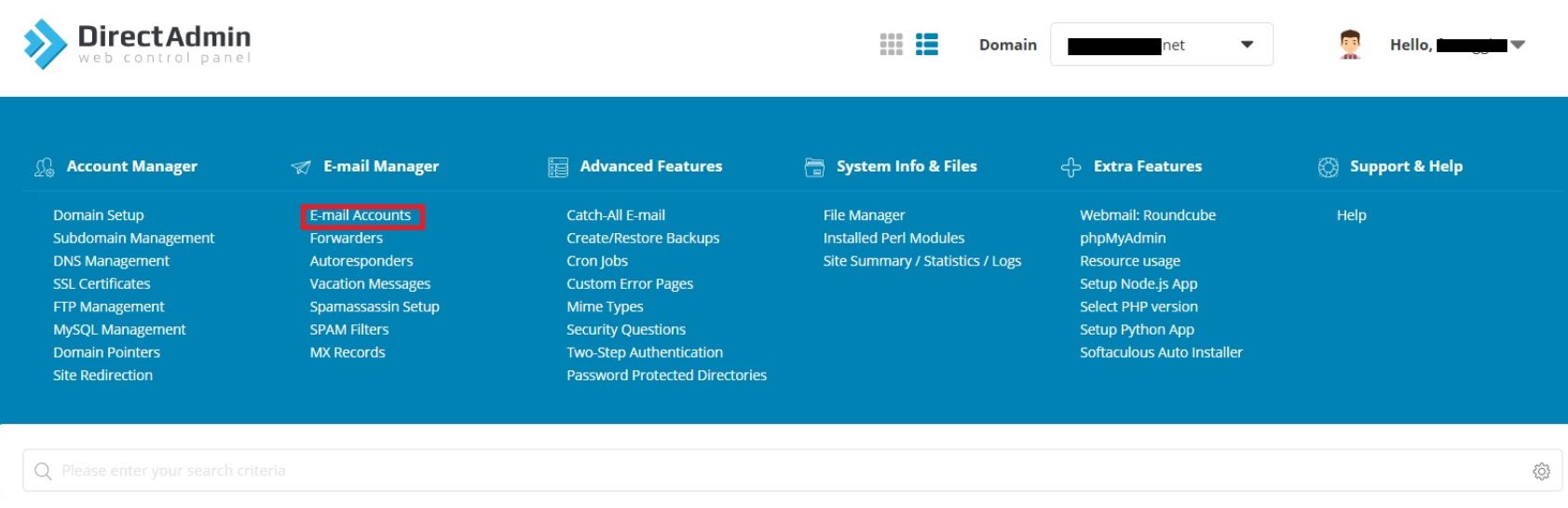
2. Search for E-Mail Accounts or Click on E-Mail Accounts
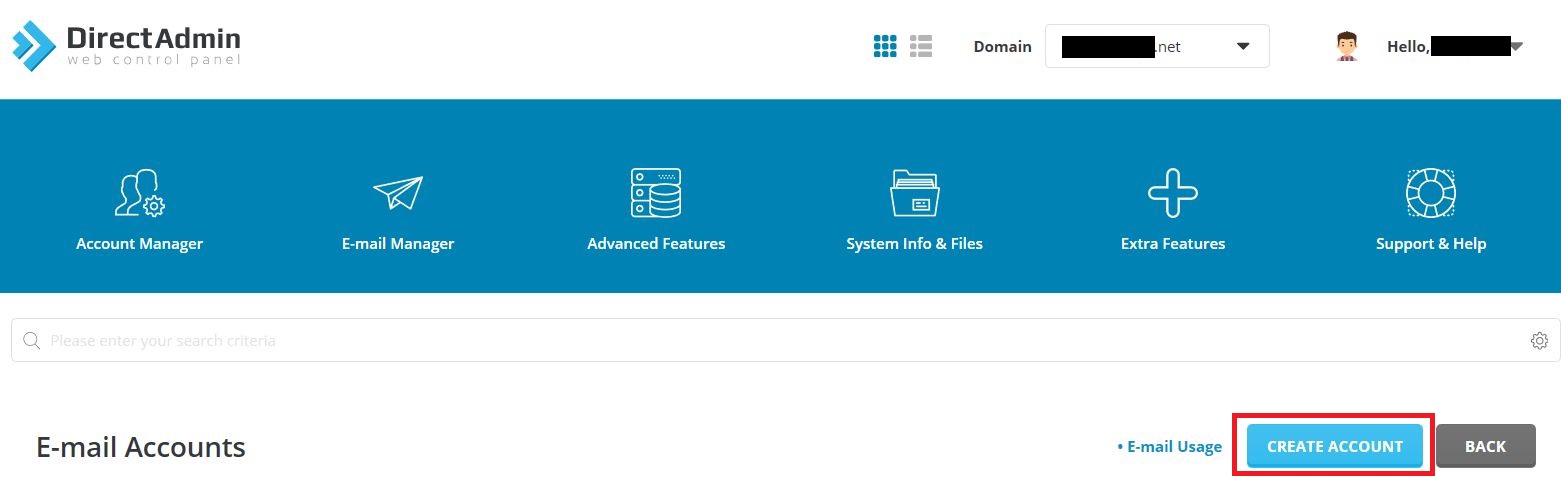
3. Click the Create account button
4. Choose the username, password, quota and send limit.
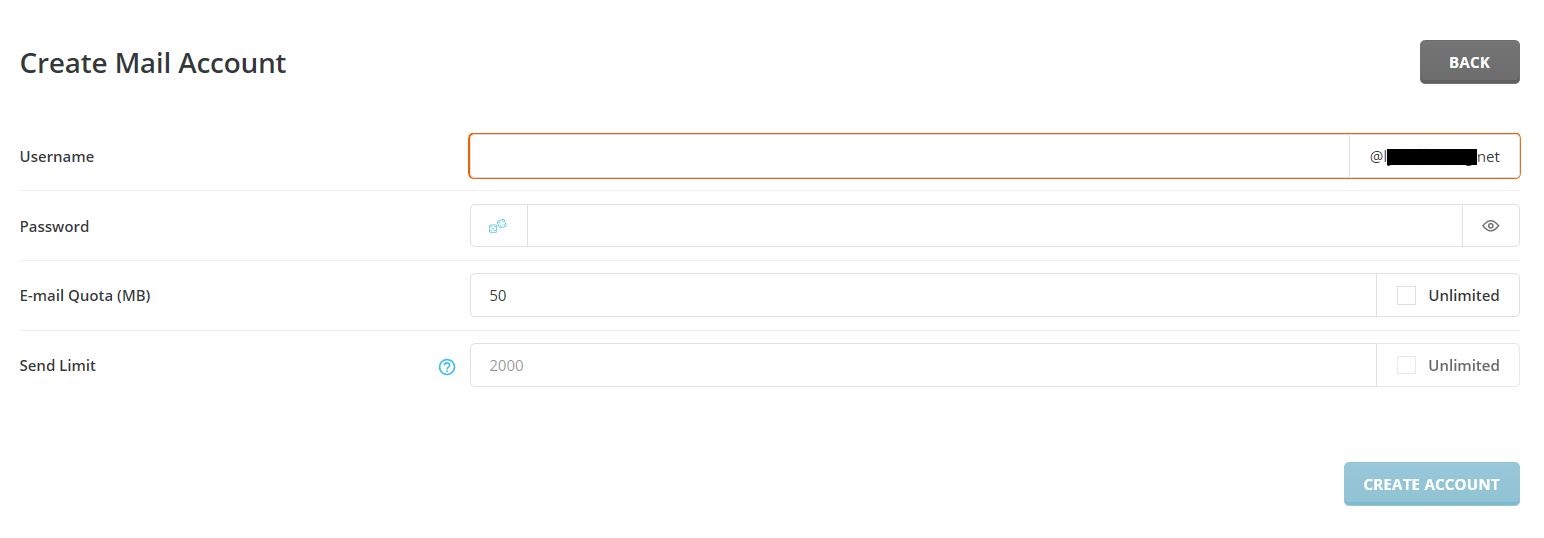
5. Click the Create button. The new account will be created and you will get a confirmation message: Account created.
6. Test it by accessing the account via a POP3/IMAP client or via DirectAdmin panel -> Webmail: Roundcube .
Depending on your web hosting plan, you may have the option to host multiple domains names. If... Read More
From time to time it’s a good idea to change your DirectAdmin password. DirectAdmin also offers... Read More
Powered by WHMCompleteSolution